
 eSIM Studios
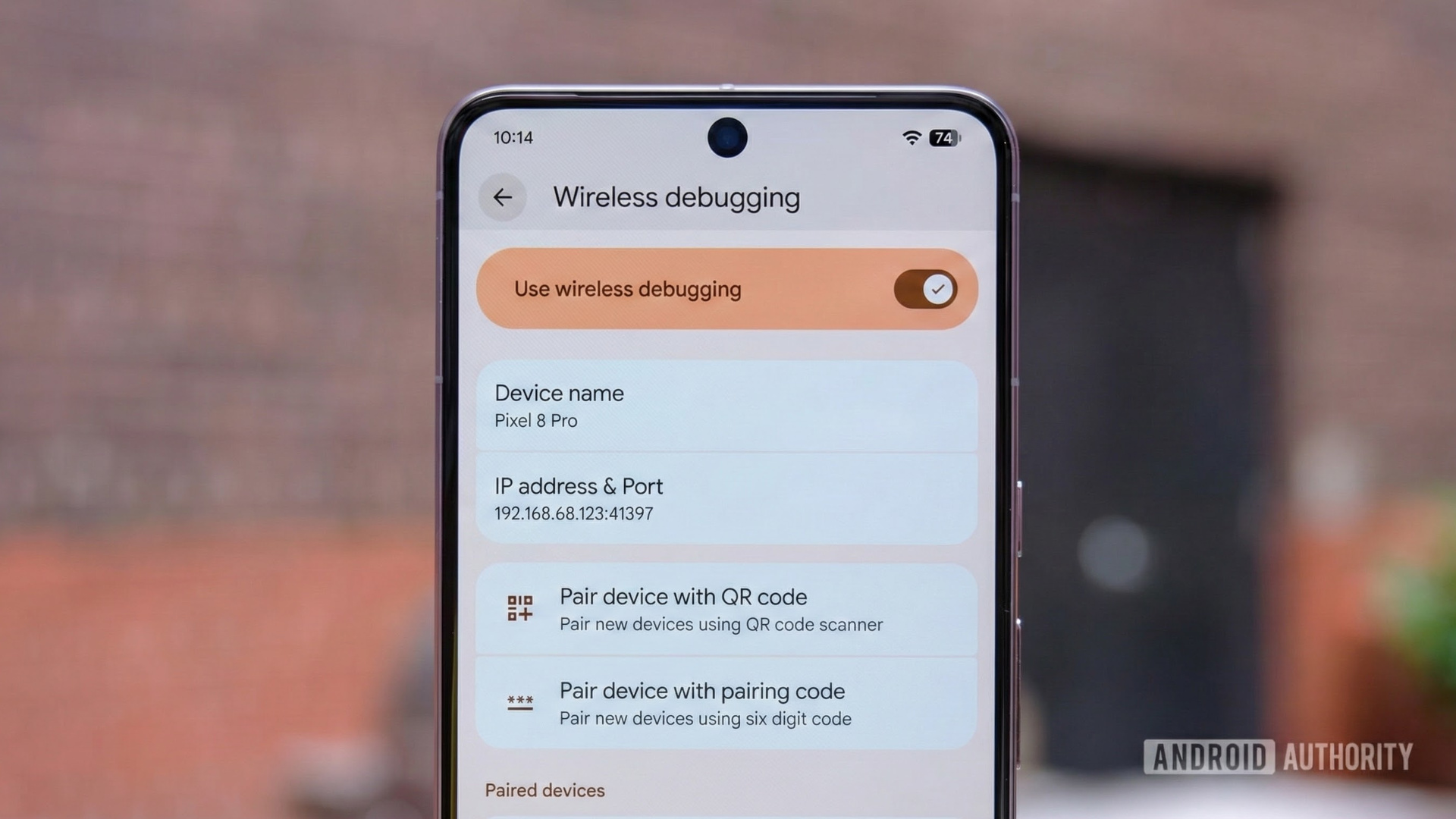
An image of Android's wireless debugging settings page on a Pixel phone. Original photo by Ryan Haines. Gemini Nano Banana Pro was used to place the screenshot onto the screen.
TL;DR
- Launched with Android 11, the original wireless ADB relied on bloated third-party libraries that routinely crashed during network changes.
- Android 17 introduces ADB Wi-Fi 2.0, which replaces the old code with a lightweight, custom 4,000-line Rust library, bringing significant stability and improvements.
- ADB now automatically remembers and reconnects to trusted networks without manual repairing, while Android Studio gets a revamped pairing window that displays a live list of local devices.
If you consider yourself an Android power user, you’ve very likely heard of and used ADB. Short for Android Debug Bridge, ADB is a command-line tool that lets you control your Android device from a PC. ADB works over both wired and wireless connections, but most users prefer wired because using it wirelessly comes with its own annoyances. With Android 17, Google is finally dealing with those annoyances with ADB Wi-Fi 2.0.
As spotted previously in Android Canary builds, Android 17 introduces ADB Wi-Fi 2.0, a significant overhaul of the wireless ADB stack that improves stability, reliability, and ease of use (h/t Mishaal Rahman on Reddit).
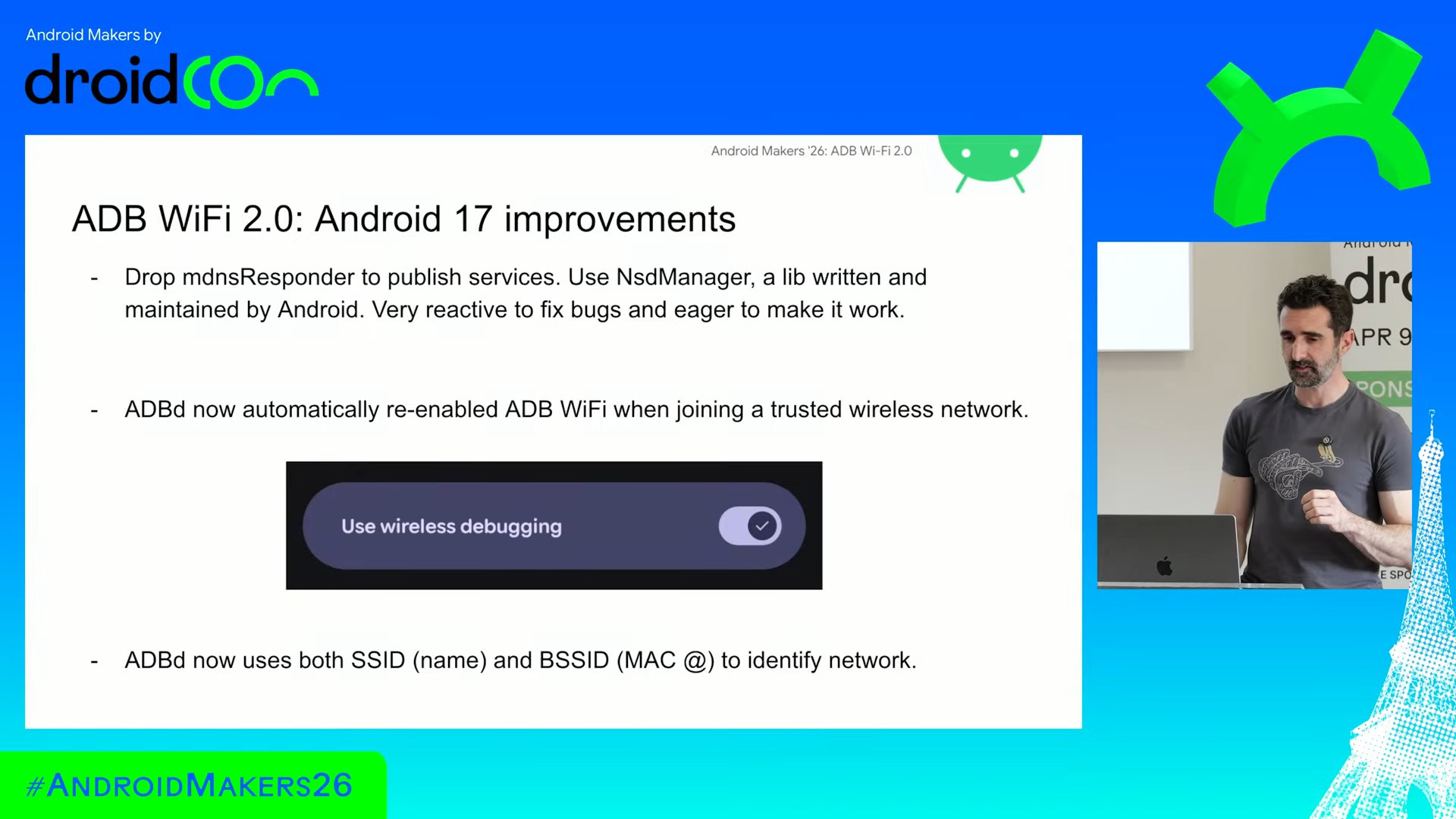
Google’s ADB tech lead, Mr. Fabien Sanglard, shed more light on the ADB Wi-Fi 2.0 upgrade during an Android Makers session, laying bare why the first iteration was so broken.
To build ADB Wi-Fi (v1) that was eventually launched in 2020 with Android 11, Google relied on massive, bloated third-party libraries — specifically Apple’s mDNSResponder for Mac and Chrome’s Open Screen for Windows and Linux. These choices were “like credit cards,” bringing instant features but long-term technical debt. Chrome’s library, initially built for Chromecast, wasn’t designed to handle a laptop lid closing or moving between offices. As a result, network changes completely killed the old wireless stack, forcing developers to restart the pairing process.
ADB Wi-Fi 2.0 ditches that old baggage completely. Google has dropped the messy third-party dependencies in favor of its own lightweight, 4,000-line Rust library designed specifically for monitoring network changes across all desktop platforms. On the device side, the phone now leverages the native Android NsdManager platform stack.
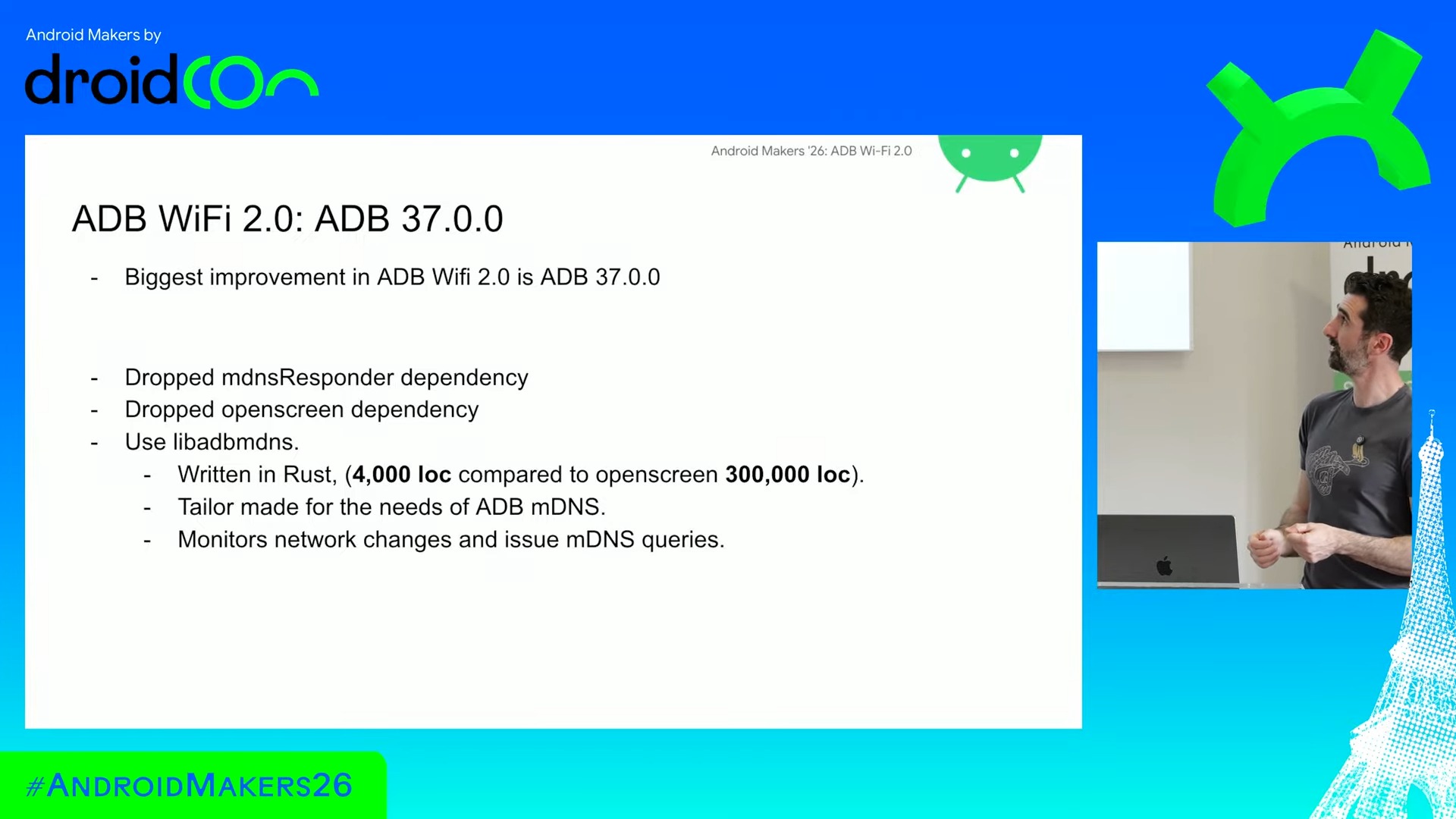
The practical improvements here are said to be massive. The system now automatically monitors your network state. If you walk away to a meeting and return, ADB Wi-Fi 2.0 will automatically re-enable itself and reconnect without your intervention, provided you are on a trusted network. To make this reliable, Android 17 identifies trusted networks using a smarter combination of SSID and BSSID (MAC address) rather than just BSSID, preventing multi-access-point setups from breaking the loop.
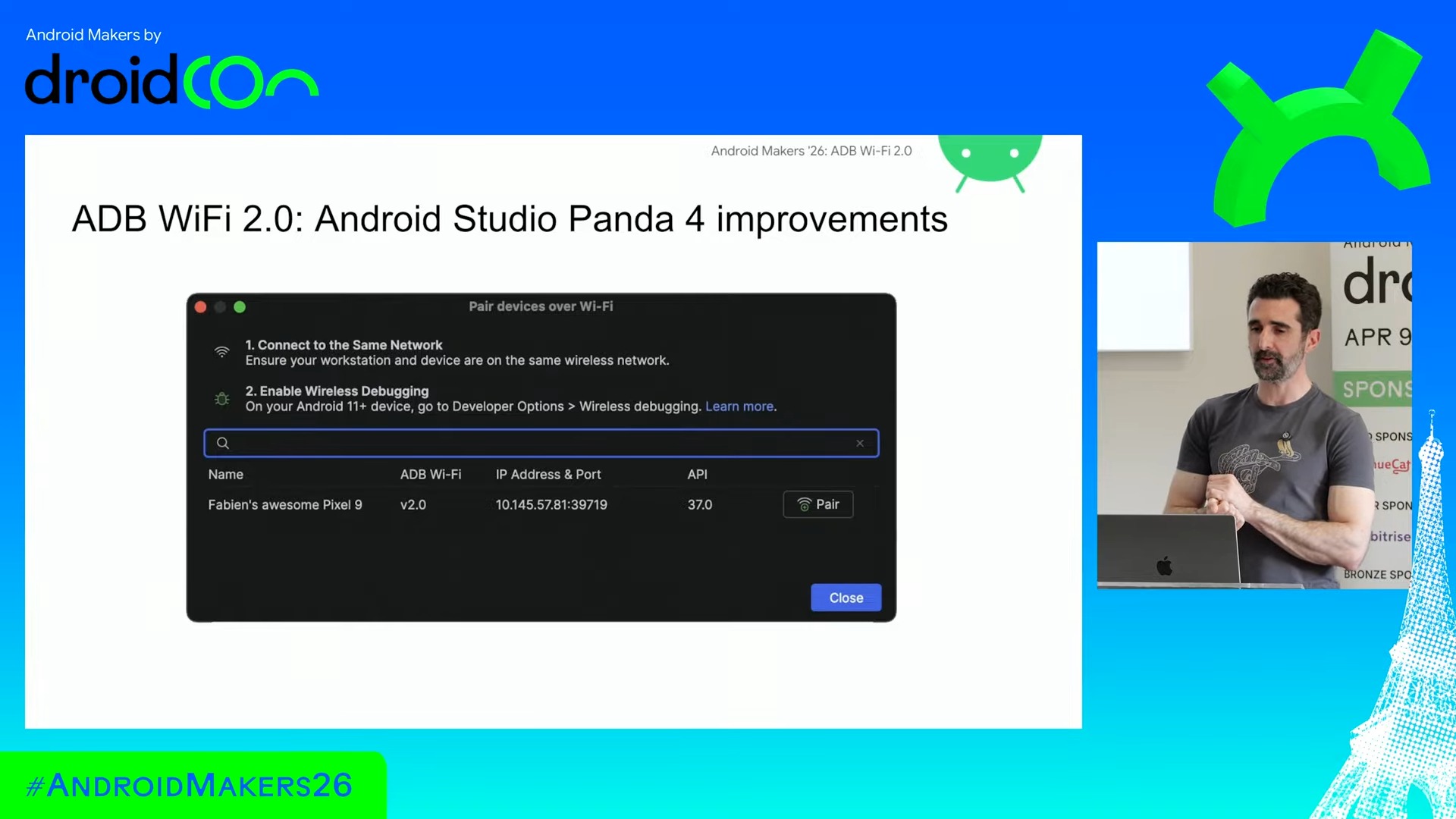
Android Studio is also getting a revamped pairing UI to match the backend stability. Instead of throwing a blind, spinning QR code that stalls indefinitely if the network blocks it, the new dialogue will populate a live list of actual discoverable local devices, complete with customized device names.
While the framework fixes inherently require a device running Android 17, developers running older versions of Android will still see some stability side-benefits on the host side just by updating to ADB 37 and the latest Android Studio versions on their PC. It’s an unglamorous under-the-hood tweak, but for the folks keeping the app ecosystem alive, ADB Wi-Fi 2.0 might just be one of Android 17’s best upgrades.
Thank you for being part of our community. Read our Comment Policy before posting.
source https://www.androidauthority.com/android-17-adb-wi-fi-2-0-3678411/

No comments