
 eSIM Studios
For anyone who has built their own PC, you probably know that incredible feeling of accomplishment when you finish. For an enthusiast, there’s just nothing like it. Flipping on the power switch, then pressing the power button on the case, and that sense of relief once you actually see the BIOS screen and watch it all come to life, accompanied by a swathe of RGB lighting illuminating the chassis like a warehouse rave.
There's the added benefit of hearing the machine finally take its first breaths, the fans spin up, creating a rush of air through your case. But then there’s that ever-constant hum in the background of those fans and the wind noise and other vibrations that make up the whole of the noise coming from your PC.
There are a few people out there, masochists perhaps, who don’t care about noise. The rest of us strive to have a quiet PC. Why a silent PC, some may as k? A silent PC helps with immersion if you’re a gamer, or can improve productivity by not being a loud distraction. You may be thinking, “I’ll just buy quiet fans and be OK.” And, in part, you’re not wrong.
You may likeThe good news is that, aside from coil whine, everything else is something you can mitigate in some fashion. Unfortunately, coil whine is something you simply have to tolerate, unless you want to apply clear nail polish to the chokes/inductors. You may be able to RMA the product due to coil whine, but you could be in the same boat after if it's a problem that plagues you later down the line.
Noise in your PC is, in fact, a byproduct of heat and airflow, and achieving the quietest PC possible requires balancing multiple competing factors. You also have to consider the tone versus loudness. Specific frequencies, like the high-pitched squeal of the chokes, can be more unappealing than lower-frequency noises. Building a quiet PC is not just about fans and buying better parts, but about working within the physical limits of your setup and figuring out how much money you’re willing to spend on silence.
Why it's challenging: the physics problemThe higher your processor or video card’s TDP/TBP (Thermal Dynamic Power/Total Board Power), the louder it gets, or the more cooling area you need to keep things quiet. The more powerful a system is, the more headwinds you face to keep it cool and prevent thermal throttling. In other words, it requires more effort to remove the heat from a fire-breathing 600W RTX 5090 and a 200W Ryzen 9 9950X3D2 than it does from a 250W RTX 5070 and a 120W Ryzen 7 9800X3D.
Thermal density on the dies themselves has also increased dramatically over the last several yea rs. As more transistors are packed into a tiny space and stacked on top of each other, it becomes physically harder to remove the amount of heat generated within the same space. Because of this and other factors, keeping today’s high-end processors at or below their throttling points has become increasingly difficult, requiring larger coolers and more airflow to keep them running at peak performance.
Ideally, you want laminar airflow where air moves uniformly, parallel, and in the same direction at a constant velocity, but that’s nearly impossible inside a PC case. Moving air creates turbulence, which generates sound. Turbulence in fans can come from many sources, including the shape of the blades and the air passing over them, as well as being in front of or behind mesh panels, grills, heatsinks, or radiators. In short, when airflow encounters obstructions, it becomes audible as it weaves through and around them. There’s also the consideration of how multiple fans react together. If some are running at slightly different speeds, they can produce a rhythmic, off-putting resonance.
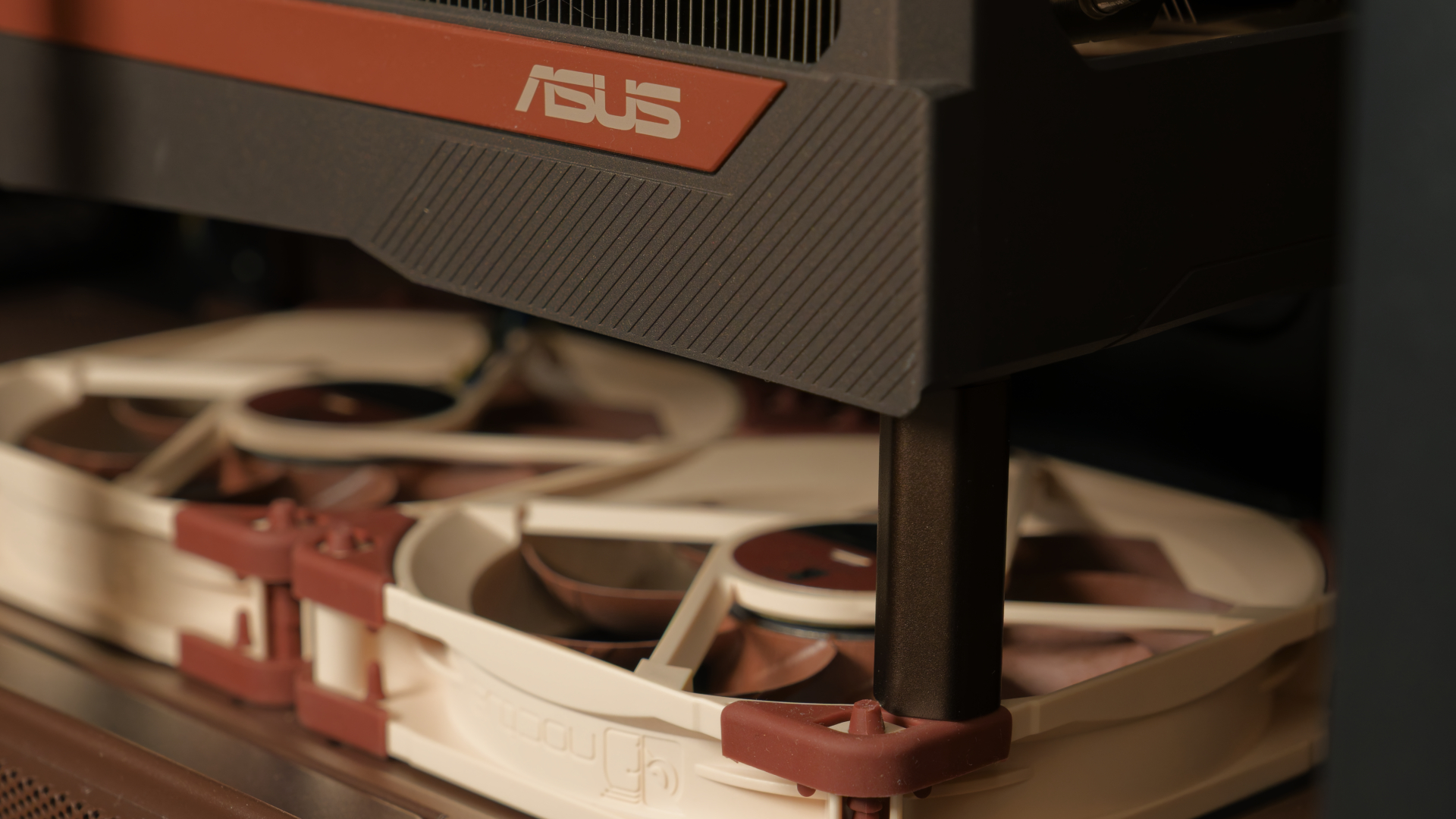
Since we know that more power and performance mean more heat, and that fans need to move more air to cool, more airflow means louder operation. And there lies the rub. If you cherish silence more than anything, something has to give. Between high-performance, cooling, and silence, you need to pick two. One will almost always be compromised for another.
What to read nextAnother noteworthy point is that diminishing returns of silence are also very real. While in general it’s easy to reduce noise from loud to moderate, it’s harder to go from moderate to very quiet, and even more difficult to move from very quiet to ‘near silent.’ Each small improvement requires disproportionately more effort, compromise, or cost. Massive AIOs or custom water-cooling loops aren’t cheap, and most silent fans and cases aren't either.
What can you do about it?The first thing to be reminded of at this point is that it’s all a balancing act. You can only make a machine that outputs 750W so quiet without thermal throttling, losing performance, or spending a lot of cash. Therefore, setting your expectations is key, especially if you’re running a high-power machine. Even though it can be an uphill battle with some hardware, there are ways to get a quieter PC, at a cost or for free, even if your PC matches the output of a personal space heater. The good news is that everything below applies to any machine, be it an HTPC or a monster full-tower gaming rig.
What you can do for freeOne of the first things you can do without spending any money is clean out the dust in your case, especially your dust filters, and from the components, like the CPU and GPU heatsinks and power supply intake. The more they get clogged with dust, the less air passes through to cool your system, lowers usable thermal dissipation surface area, and the more turbulent (and louder) the airflow can get, and the faster your fans need to spin to keep temperatures down.
Case placement is another factor you can easily change and matters for both dust and noise. Under the desk, or further from ear level, is ideal, so long as it’s not sitting directly on carpet (the worst place for dust!) and has access to cool air for the intakes. Proper cable management also he lps, though it is often a minor detail, as most cables are tied up in the back and out of the way of fast airflow.
Another good way to reduce noise is to optimize your PC’s airflow and adjust your fan speeds. If you can run them slower, adjust it via the BIOS or through your motherboard’s software, like Armory Crate, Gigabyte Control Center, etc., and keep an eye on temperatures afterward to make sure you’re not starving any components for cool air. In the linked article, we discuss the importance of airflow, the good and bad of positive versus negative air pressure, and how to achieve those states, and it is, without a doubt, worth a full read.
At a high level, intake CFM (Cubic Feet /Minute - it’s not just fan count!!) greater than exhaust CFM is a positive-pressure environment, while more CFM exiting the case than coming in yields a negative-pressure environment. There are pros and cons to both configurations, but positive-pressure tends to be the most commonl y used.
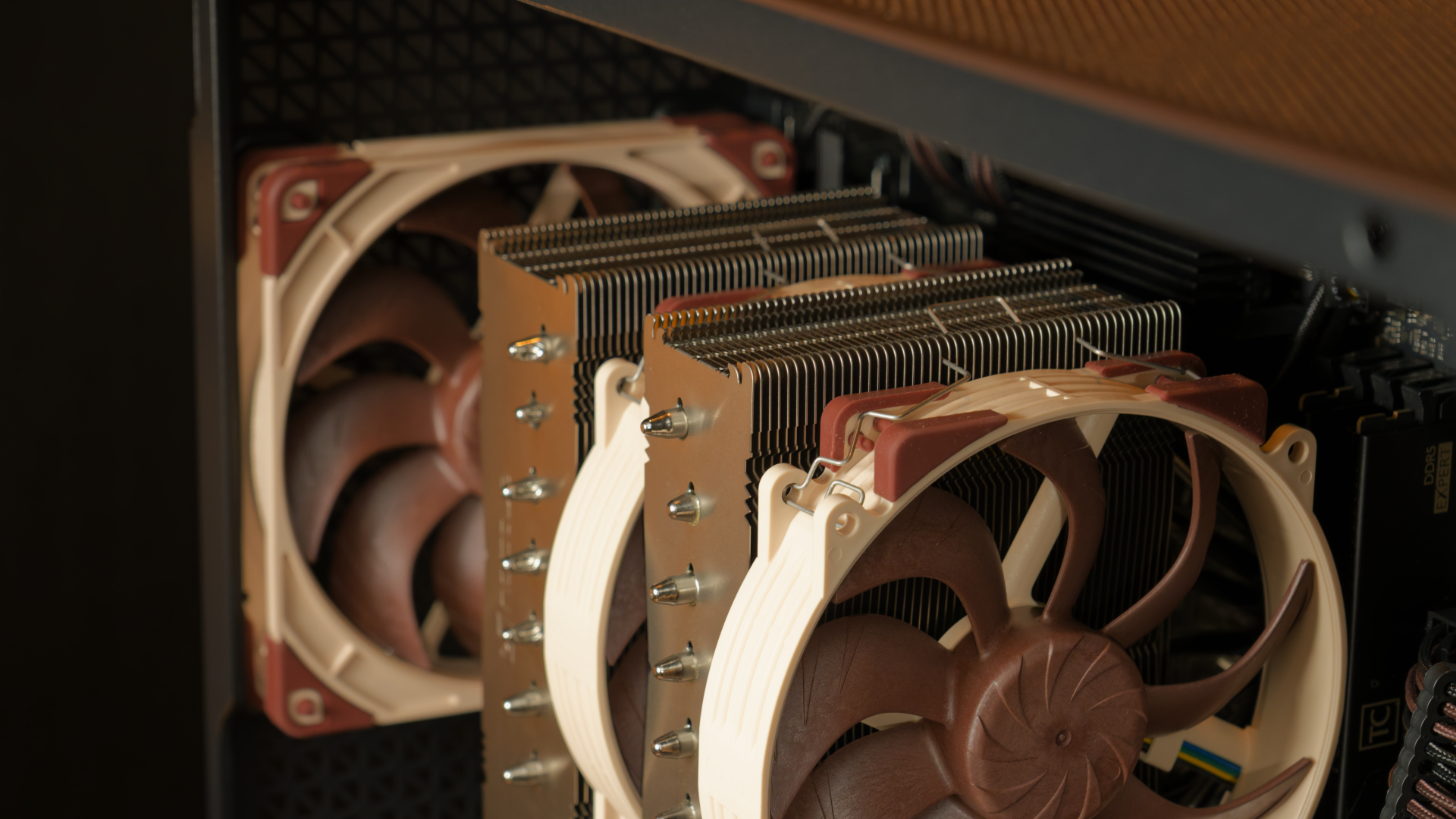
With positive airflow, the increased ‘pressure’ inside forces air out of the exhaust fans and vents, preventing dust from entering through cracks and crevices. Positive pressure is ideal for preventing dust build-up. It makes sense to use it with a high-airflow case with front mesh, a tower air cooler, and optimal for blower-style graphics cards, as it creates a balanced airflow pattern inside your chassis and keeps the temps of your core components in check.
Negative pressure is the opposite, where, at the cost of increased dust inside your chassis, it’s getting air out of the case at a greater rate. It’s good for preventing hotspots due to the vacuum effect, to use with restrictive front panels, and for small-form-factor PCs where clean airflow is hard to come by. It can even offer lower video card temperatures in specific cases, such as a restricted front panel, where heat is quickly r emoved from the chassis.
On the hardware side of things, starting from your CPU, you can adjust the voltage, called Vcore, through your BIOS or via overclocking software to use less power under load. Typically, you do this by using an offset that reduces voltage globally across all speeds and loads. On many AMD processors, this is even a good way to get more performance, as you can undervolt and overclock, raising the CPU multiplier for higher boost clocks. For many Zen 4 and Zen 5-based processors, you can often undervolt by 10-20mv and still boost your peak clock speed by 100-200 MHz.
On my personal Ryzen 9 9900X3D, I achieved a stable -15 mV undervolt and a +200 MHz overclock. It isn’t a night-and-day difference performance-wise, but if we can get more from less, why not? Obviously, your mileage may vary, but this reduced the maximum load temperature by several degrees and lowered the part's power consumption by up to 2%.
Image 1 of 2
(Image credit: Tom's H ardware)(Image credit: Tom's Hardware)You can also limit your GPU's power usage by manually adjusting the voltage, the voltage curve, or by lowering the power limit. I find it easier to lower the power limit on very powerful and power-hungry cards, since it's a simple slider. You can also set an FPS limit to match your monitor’s refresh rate, so the card won’t try to produce any frames past that limit, whether it’s 120, 165, 180, or 240 Hz, thus saving power.
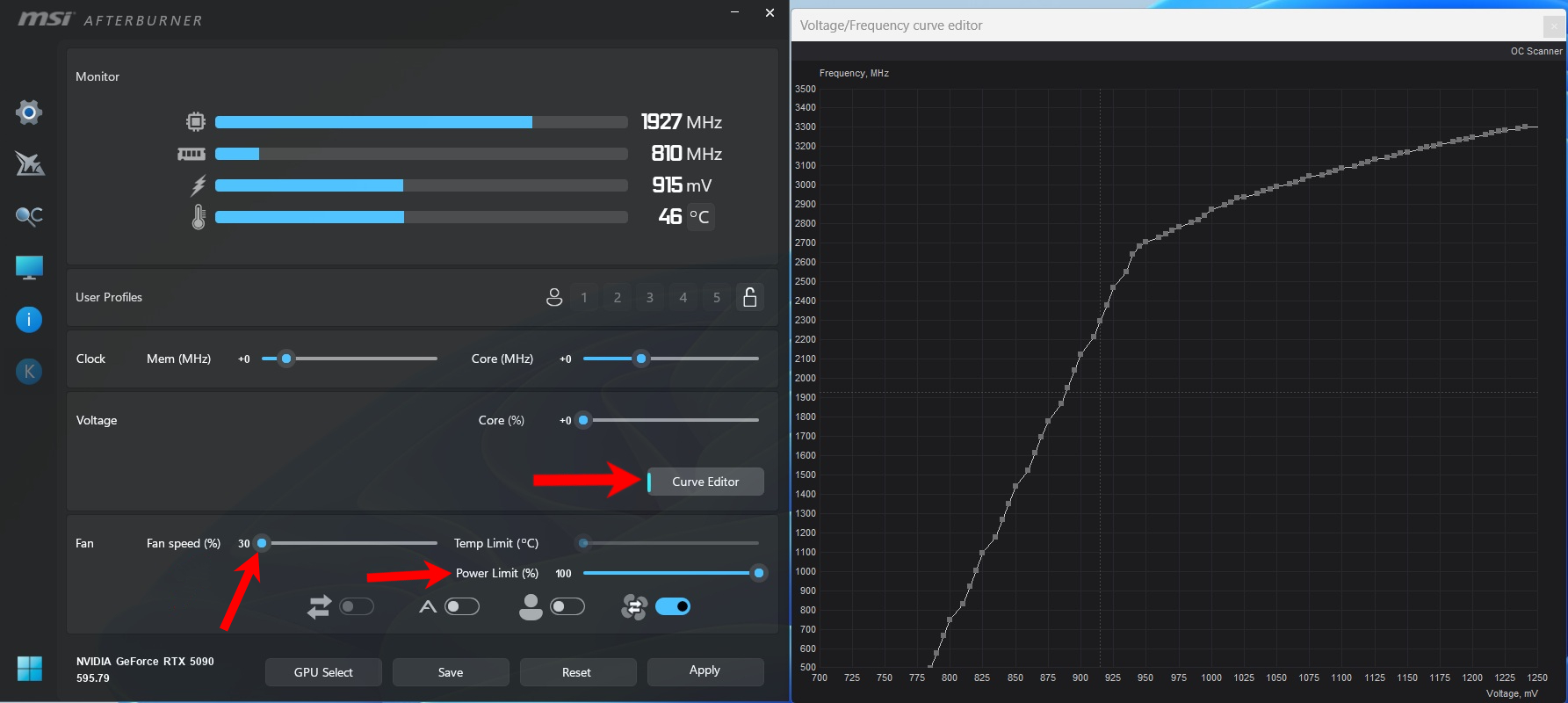
For example, I set a couple of my games, mainly esports titles, to a 240 FPS limit, and with my graphics card, an RTX 5090, it rarely breaks 400W. Whereas, when left to its own devices, it will try to output every frame it can, and use the full 600W+ power budget, assuming you don’t have any other bottlenecks. Graphics cards also have variable-speed fans you can adjust via software (MSI Afterburner, for example), and this is another good way to hear the sounds of silence. But be careful here, as video cards will drop ‘boost bins’ as temperature rises until it’s below a threshold. The cooler your card, the longer it stays at maximum boost clocks.
Paying for the premium of silenceYou can buy a new case with sound-dampening materials like the be Quiet! Silent Bas e 802 ($199.99) or other silent options such as the Dark Base Pro 901 ($199.90), Fractal Design Define 7 ($204.99), or even the old Antec P101 Slient, if you can find it. The downside of these cases is that you lose the front mesh and airflow, so if you have high-power components, the internals could run warmer than in a more free-flowing design, raising your internal temperatures and, thus, fan speeds and noise. If those options won’t work, you can take a look at our Best PC Cases article to see what we picked out across a wide variety of sizes.
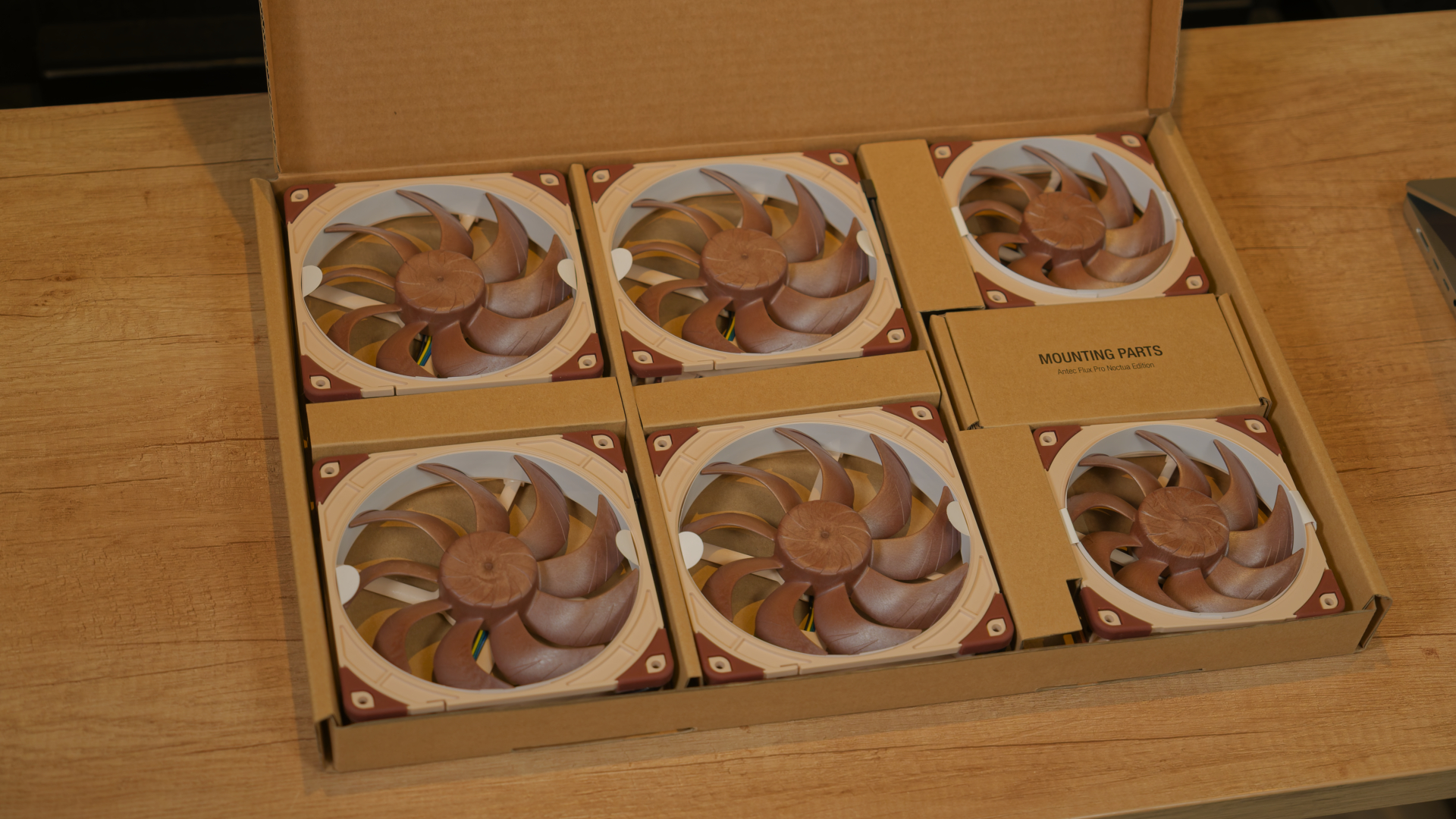
Often, cheap stock fans that come with cases, especially off-brand chassis, are often noisey and inferior to those you purchase from popular quiet fan brands like Noctua, be quiet!, or Arctic. Buying quiet fans based on their specifications is a good start, physically, and will allow you to go from loud to moderate with just a little effort. Our Best PC Fans article can certainly help with that endeavor. If money is no object, we li ked the Noctua NF-A12x25 G2 (2x @ $64.95, or one @ $34.95). If these are too expensive, our pick for best budget silence-optimized fans is the Arctic P120 Pro. Also, the larger the fan, the more air it can move, and generally quieter while moving the same amount of air.
When picking parts for your PC, you can choose quiet parts from the beginning, such as CPU coolers, like the Noctua NH-D15 Chromax.black ($129.95), the be quiet! Dark Rock Elite or Dark Rock Pro V (both are $84.90), or the Thermalright Peerless Assassin 120SE ($39.90) for a budget-friendly air cooler option.
In the world of AIOs, one of the best for silence is the be quiet! Silent Loop 3 (360mm $129.50), or the budget Montech HyperFlow Silent (360mm $76.00 - though our review said it wasn’t the quietest on the market). If you need a high-performing AIO with silence in mind, the Corsair iCue Link Titan 360RX RGB AIO ($159.99) and its magnetic bearing dome fans had “chart-topping noise-normalized performance” and the “Lowest noise levels in common scenarios” according to our review. Custom water cooling is another way to reduce noise compared with air coolers or AIOs. While you can replac e the fans on those devices, a custom loop lets you pick your own radiator, fans, and pump to optimize for performance, quiet, or a balance of both. While this cooling method costs more than the other options, you have complete control over the parts that make noise and greater control over the pump and fans. You can also expand it to add more radiators for more cooling capacity and reduced fan noise.
Major contributing parts to noise out of the way, other things matter too. When silence is golden for your build, consider moving to SATA-based SSDs to eliminate noise if you're using HDDs for anything other than cold storage, where they’re inactive/sleeping most of the time. Another potential upgrade that could save some decibels is your power supply. Most of these days run in a ‘hybrid’ mode, where the fan stays off until a certain temperature or load is reached. But the more efficient it is, think Gold/Platinum/Titanium 80 Plus or Cybenetics certifications, the better ch ance it remains silent at light to medium loads. The be quiet! Dark Power 13 ($111.90) is a solid choice for quiet operation and reliability. If that doesn’t work for you, please check out our Best Power Supplies guide for other options.
TakeawaysBuilding a quiet PC can be quite challenging, especially if you’re trying to make it ‘near-silent’, as there are many considerations that go into making something that quiet. If you have a power-hungry system, it’s going to be that much more difficult to knock off some decibels compared to a low-power system, as it has less heat to evacuate. Still, there are plenty of things you can do to improve your acoustic performance from obnoxious to tolerable without emptying your wallet or losing performance.
In the end, making a quiet PC isn’t as easy as slapping “silent” fans in your case and calling it a day, though that is a start. Every watt of power your system uses becomes heat, and that heat has to go somewhere. Between fan turbulence, pumps, vibration, coil whine, and even the way air moves through the mesh on your case, countless factors are working against true silence.
The reality is that building a quiet PC is one massive tightrope walk, balancing performance, acoustics, and cooling. The closer you get to silence, the more effort, money, and compromise it tends to require. You may never eliminate noise, especially with today’s high-powered hardware. Still, with the right expectations, some tuning, and perhaps a bit of cash, you can turn an obnoxiously l oud system into something more pleasing to the ear.

No comments